
The exporter tool lets you export a properly formatted CSV file containing a list of all the affiliate links on your website.
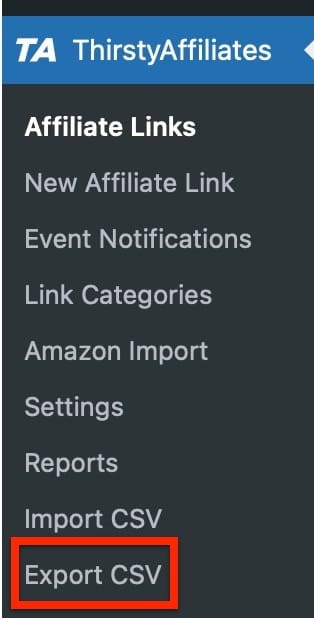
To get started, go to the ThirstyAffiliates>Export CSV setting:
Next, from the drop-down list choose a category to export from and click the “Export affiliate links” button:
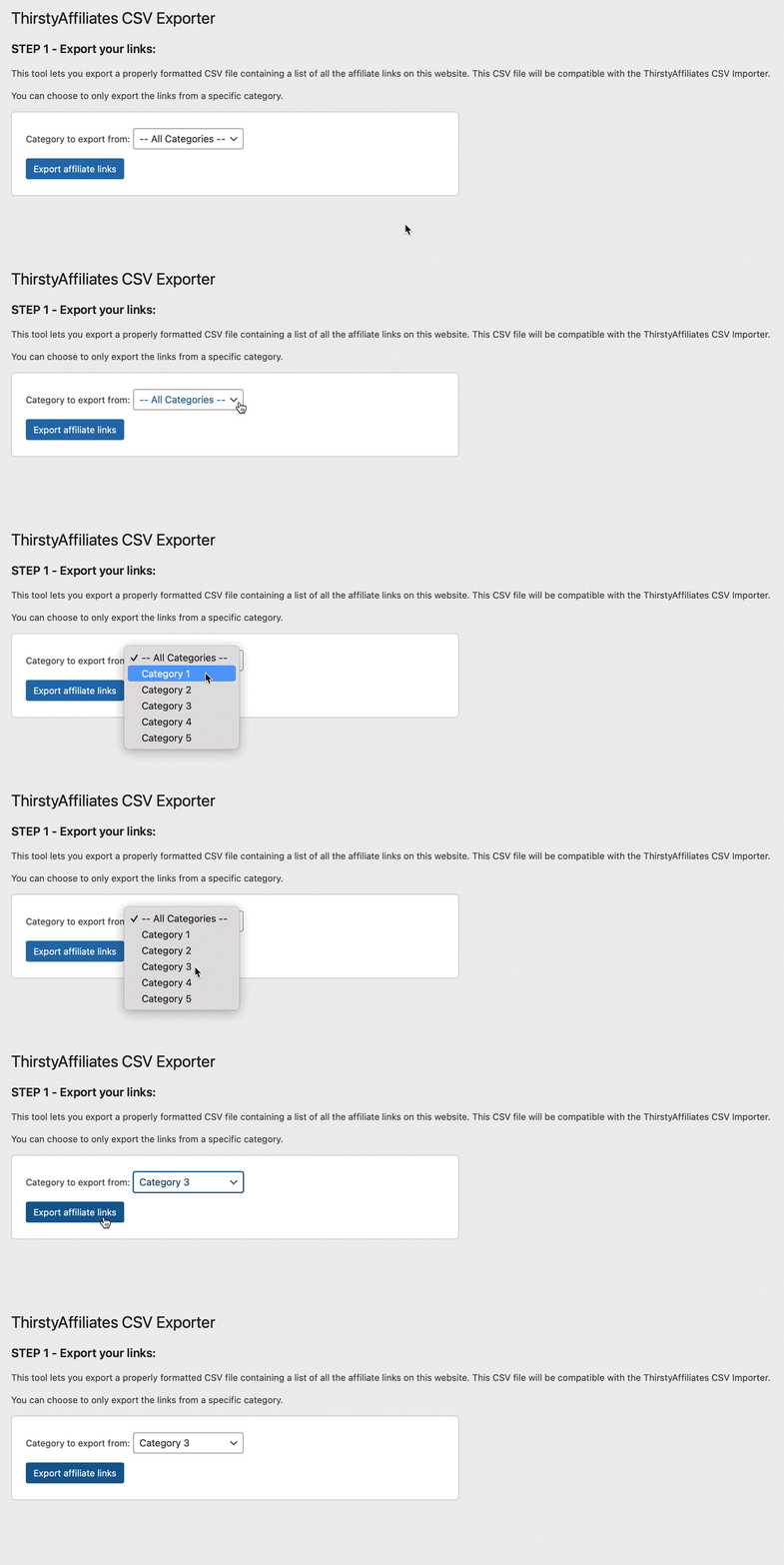
You can choose to export links from all categories, or only export the links from a specific category.
Once your affiliate links are successfully exported, you will be able to download the CSV file:
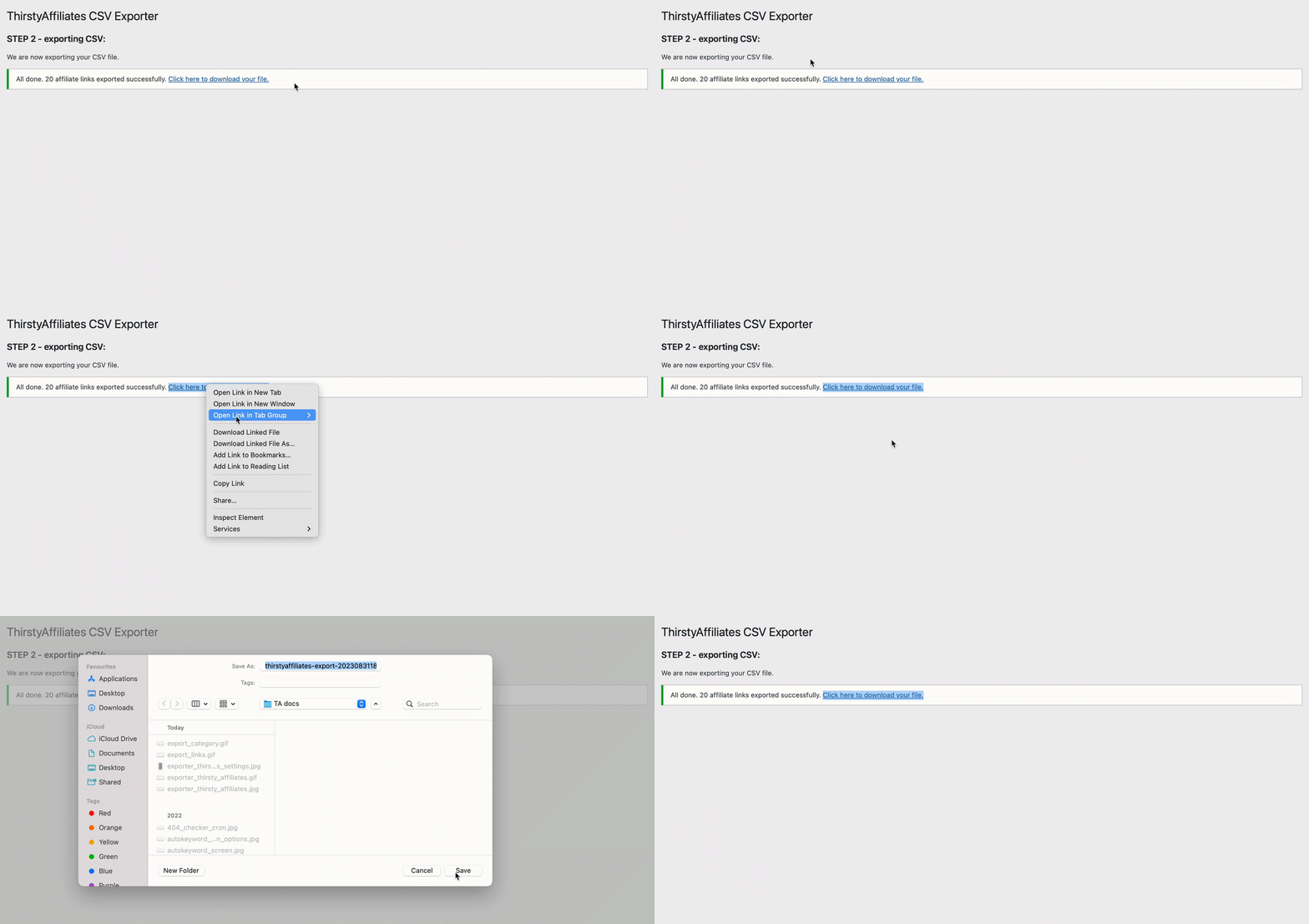
The export is done and your links are ready!